
When you upgrade your computer, the mouse is unlikely to be the first thing that comes to mind. After all, aren’t all mouse models pretty much the same? Not entirely. But how to choose a computer mouse? An ideal mouse improves everything from productivity to comfort and performance. Are you asking, “Which mouse should I buy?” We’ve got you covered. We’ll walk you through each step to help you sift through hundreds of models and identify the perfect device for your needs.
Step 1. Define your primary use
Answer the question: what do you need the mouse for? To better understand how to choose a mouse, you need to determine its purpose. Do you like to play games on your computer, use it for office work or browse YouTube on your laptop? Each activity requires a slightly different model.
- games If you’re into gaming, you’ll need a mouse to help you land a perfect headshot or outlast your team in the game. This means accuracy and responsiveness. Look for a top-rated gaming mouse with a high-performance sensor – a laser or optical variant will do just fine. Look for low lag time and customizable buttons.
- to work You won’t need all of these things to work. Comfort and reliability (ergonomic mice explicitly designed for extended work sessions) are essential parameters here. A simple wired mouse could do the trick. However, opt for a wireless alternative if you prefer a tidy desk space.
- casual If it’s basic tasks on your laptop or computer, keep it simple. A decent model with solid reviews will suit daily sailing.
Your use case is crucial to clarifying essential features and requirements. So, don’t skip this step.

Step 2. Wired or wireless
A good place to start when selecting a mouse is to decide between a wired and wireless device. Each has different advantages and disadvantages.
- With cable. No batteries, no latency – wired mice are best suited for uninterrupted performance. This can be crucial for players who need split-second accuracy. It’s usually more affordable, although the cable will take up your desk.
- Wireless. Total freedom of movement and a tidy desk sounds incredibly attractive. The catch? Expect some latency (although it’s pretty low today) and need to charge the mouse every now and then. Some models have replaceable batteries; others have rechargeable batteries that you need to juice them. Interference can also be a problem. Although modern models often use Bluetooth with other frequencies, they can still disrupt other wireless devices.
Step 3. Ergonomics, Design, Buttons
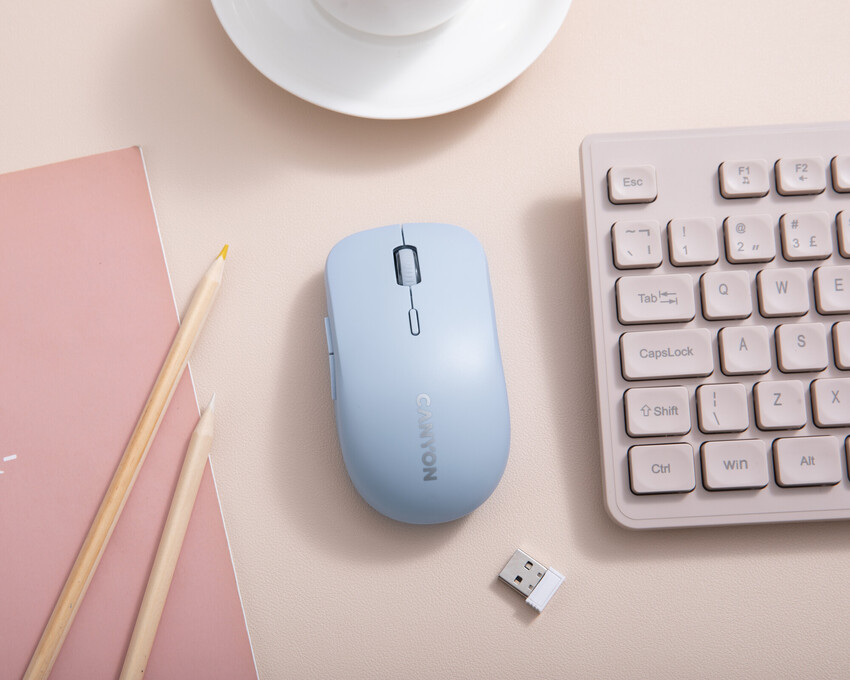
A mouse is like an extension of your hand. It has to be comfortable for extended use, or you’re likely to hate it. Here are the key features to consider:
- Size and shape. If you have larger hands, opt for a thicker, wider mouse. Users with smaller hands will benefit from a compact, slimmer mouse. Try to physically test it – ergonomics matter.
- Grip style. Gamers tend to grip the mouse for better agility and extra speed, while work users lean toward the palm grip for better comfort.
- weight. Preferences vary: lightweight options increase gaming speed, while heavier mice offer better control for precise tasks. Some major devices allow weight customization, but this is very convenient.
- buttons The number and functionality will enhance the whole experience. Gamers will benefit from several durable and highly responsive buttons (especially the programmable ones). On the other hand, work and casual users should choose a more minimalist setup with two basic buttons and a scroll wheel (though an additional side button can increase productivity).
A comfortable joystick and required button layout will support your workflow, improve efficiency and reduce stress.
Step 4. Laser vs. optical
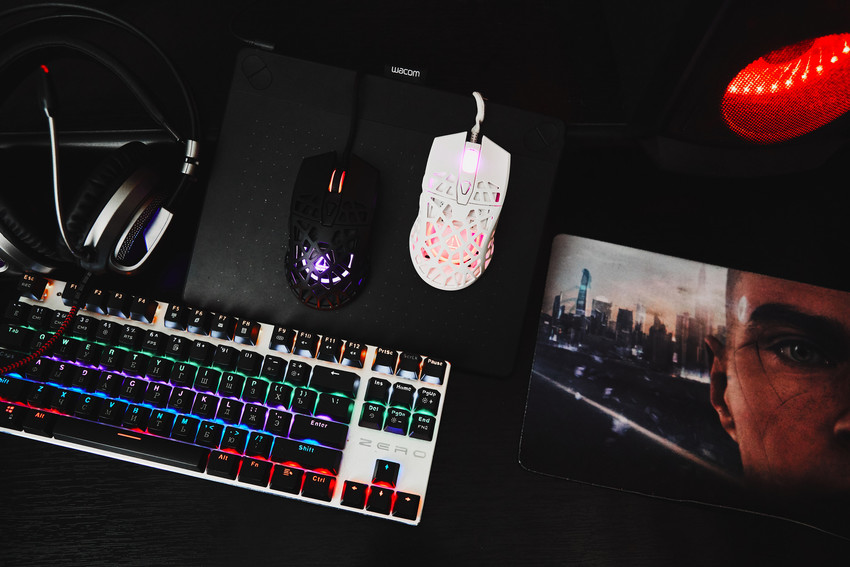
The sensor is a defining parameter that distinguishes the models. Older devices used balls and infrared sensors. However, modern mice rely on two key technologies to track accuracy and surface compatibility.
- optical A solid choice for most users. Optical mice use LED lights that shine on top of a surface, working well on cloth mouse pads and other non-shiny materials. Also highly reliable and cost effective.
- laser Advanced laser sensors with next-level technology offer better accuracy and function on all types of surfaces, including glass. However, there is one problem: laser mice can introduce more noise and tracking variation. Because of their sensitivity, picking them up and moving them can register unwanted movements on the screen, which can frustrate players. They are also more expensive.
If you need sharp precision, go for a laser mouse. But if “good enough” and cheap is a more reasonable option for you, go for optics.
Step 5. Review the technical parameters
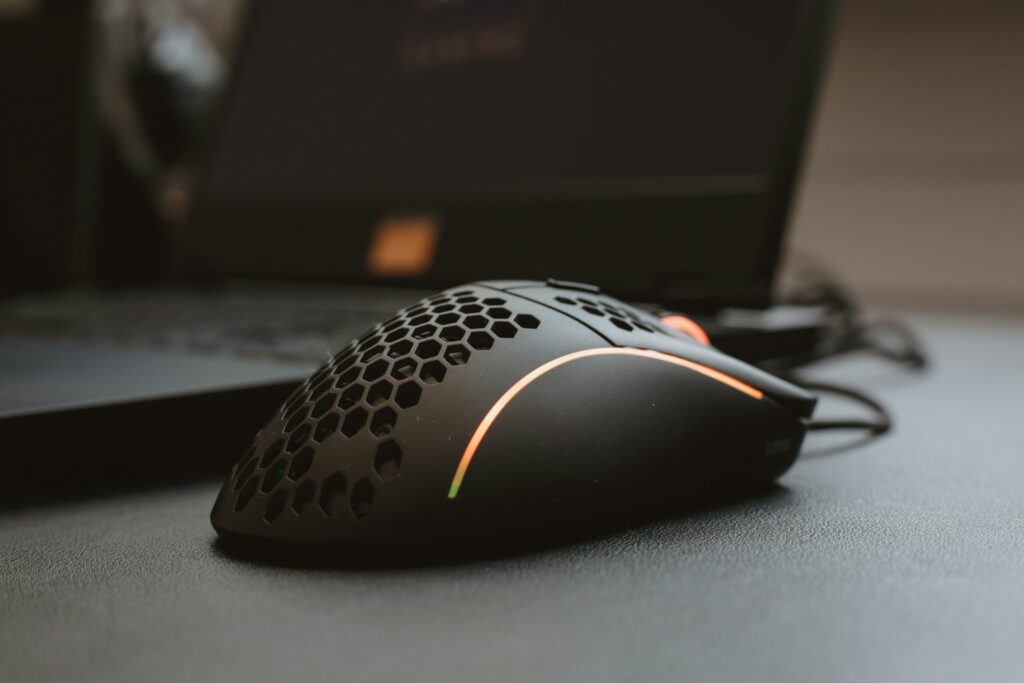
It’s time to focus on the more technical details. Technical parameters such as DPI, poll rate and take-off distance are the backbone of mouse performance, whether you’re a graphic designer looking for smooth control, a precision-focused game enthusiast for fast action, or just someone casually surfing the web. Simply put, they can make or break your experience.

IPR
Dots per inch is the first specification in the list that shows how far the mouse pointer moves for every inch the mouse itself physically moves. The sensitivity of the joystick is crucial: a higher DPI means the cursor flies across the screen with minimal hand movement, while a lower setting requires wider strokes. However, the highest number is not necessarily the best.
While gamers may want a higher DPI for faster reaction, a lower DPI offers much greater precision and control. Generally speaking, anything between 800 and 2,400 is a solid choice, while anything more is likely overkill. However, selecting a mouse with adjustable DPI settings is an even better option as it allows you to combine the best of both options. As for the rest, graphic designers should look for a lower DPI for a higher level of accuracy, while casual users probably shouldn’t care about this setting at all.
Voting rate
Another key specification is the polling rate, which measures how often a mouse communicates with a computer, measured in Hertz (Hz). In theory, this is a crucial parameter, but in practice? it depends For example, a higher frequency provides lightning-fast response, making it a good choice for competitive gaming. While gamers shouldn’t go below 500Hz, casual users will be fine with anything around 125Hz and can ignore polling rate entirely.
Lifting distance
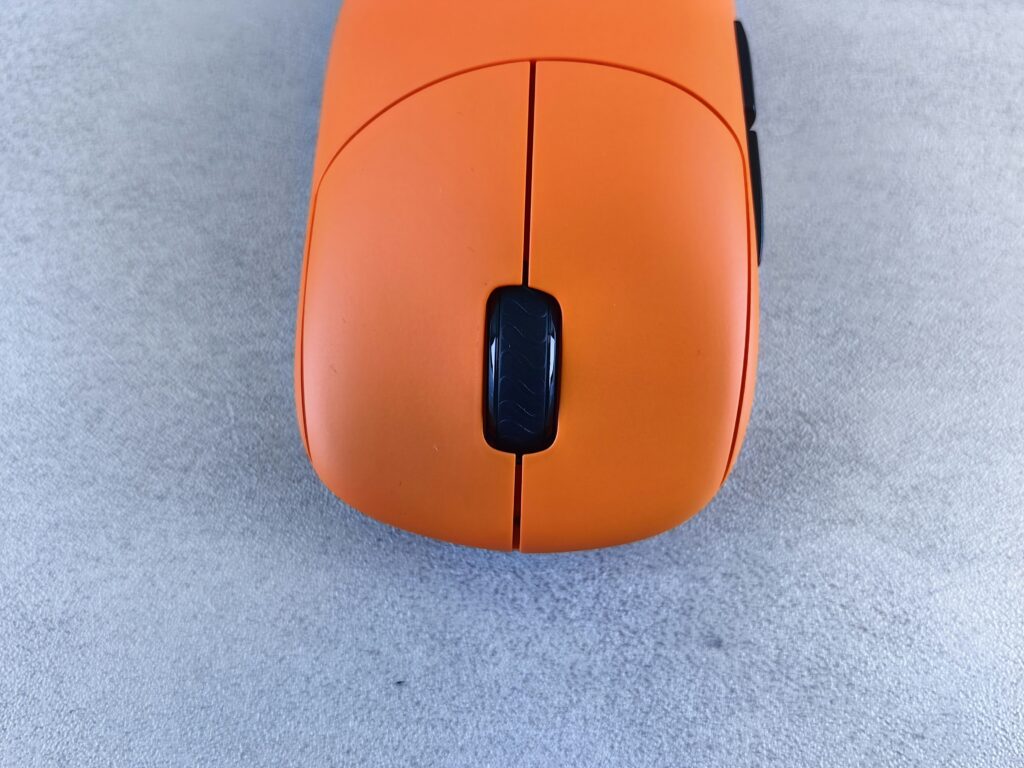
The lift-off distance describes the height at which the mouse stops tracking when lifted off the surface. In fact, it is the cut-off point of the sensor. This parameter is relevant for players. The low lift is crucial; ensures that the cursor does not move and helps prevent unintended movements.
In general, DPI, polling rate and takeoff distance are vital for specialized applications such as gaming or graphic design. If you’re a casual user, check out the reviews for what they say about the mouse’s overall performance.

Step 6. Budget and marks
Computer mice are available in a wide range of price tags, from basic and budget options to premium models. Here’s what you should typically expect for your money:
- Entry level ($10-30). With a limited feature set and a budget price, input mice are a suitable choice for basic work tasks such as web browsing, document editing or light productivity. Typically, a basic mouse in this price range doesn’t have all the advanced features that its premium counterparts have, including programmable buttons, high-precision sensors, or ergonomic design.
- Mid-Range ($30-70): This mouse strikes a balance quality and functionality, making it a good choice for everything from light gaming to more intense work sessions. It provides comfort and solid sensors. A mid-range mouse usually features well-thought-out ergonomic shapes for extended use, improved sensors for better tracking, and extra features like customizable buttons or fun stuff like RGB lighting. It’s an ideal choice for gamers, remote workers and hybrid professionals.
- Top tier ($70+). Premium mice offer high-end sensors, exceptional quality, stylish designs and crazy customization – think ultra-low latency wireless technology, adjustable weights or software to adjust the device to your exact demands. They are the perfect choice for serious gamers, tech enthusiasts or creative professionals.
Another factor to consider is the brand. Big players in the industry include Logitech, Razer, SteelSeries and Corsair. These brands are known for their high quality, reliability and constant innovative technology (they offer more and improved models every year), all backed by extended warranties and excellent user reviews. Of course, lesser-known brands can also offer great products. The key to identifying great models is to research user reviews, read expert reviews, and check overall ratings.
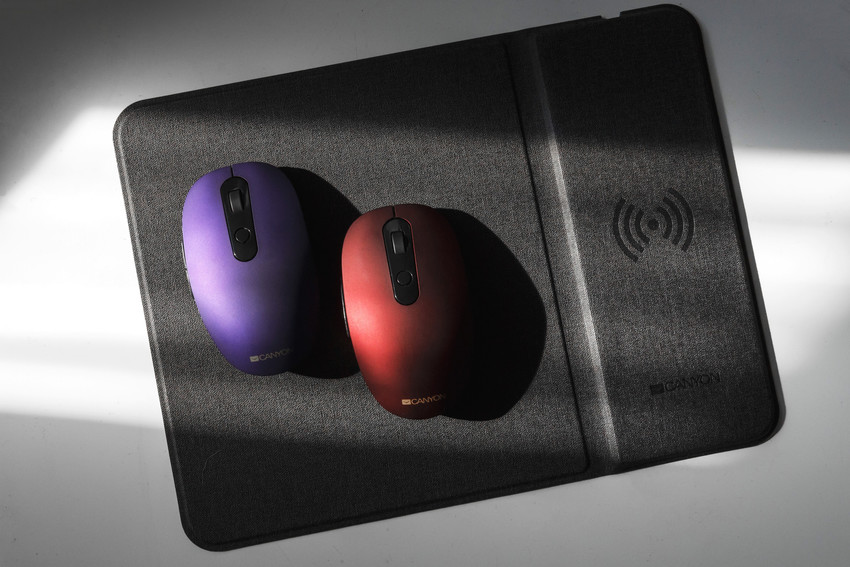
Which mouse should you choose?
So how do you choose a good computer mouse? The answer depends on your budget, personal requirements and usage habits. Here’s a quick look at the top picks in each category:
- games Whether you prefer wired or wireless, accuracy and responsiveness are key. Optical and laser models are good choices, although the latter mice offer improved accuracy. Additional programmable buttons are a must for faster gaming, while high DPI (around 800 and 2400 is fine) and poll rates (over 500Hz) provide smoother tracking and improved reactions. Don’t forget the ergonomic construction for longer and more comfortable gaming sessions.
- to work Choose comfort and simplicity. If you spend long hours in front of a computer, a good structure will prevent wrist strain, while a lightweight design with a comfortable grip can increase productivity. Both wireless and wired models are solid options, though the former reigns supreme if you’d rather avoid desktop clutter. Customizable buttons are optional, though an extra button can help streamline your workflow and improve efficiency.
- casual Keeping it simple is key – any reliable model with good reviews is a solid alternative.
In general, a good mouse is a perfect extension of the hand. When choosing a mouse, look for a balance between comfort, budget and features. Whether you’re using your device for intense gaming sessions, extended work, or casual web browsing, a reliable grip can make or break your experience and elevate your digital interactions.